







- Homepage
- Mobile vs Desktop Apps
Mobile vs Desktop Apps: Best Estimating Software for On-Site Florida Work?
Leading provider of estimating services.
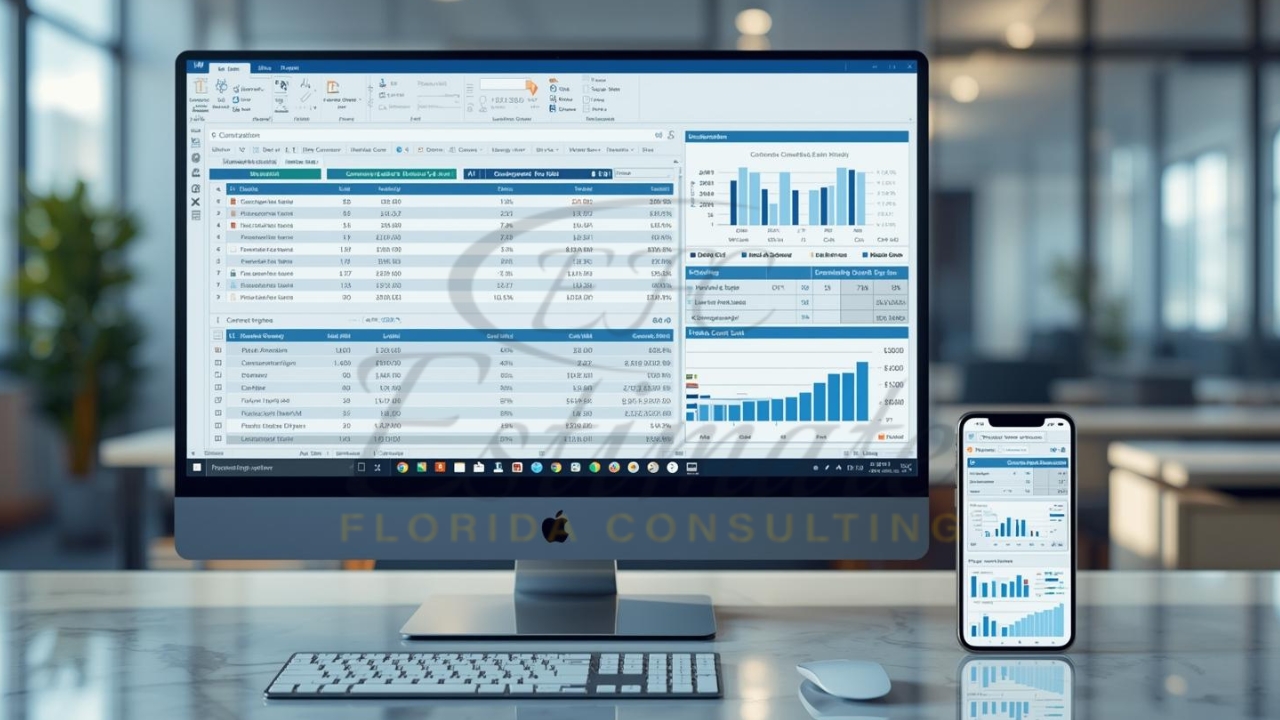
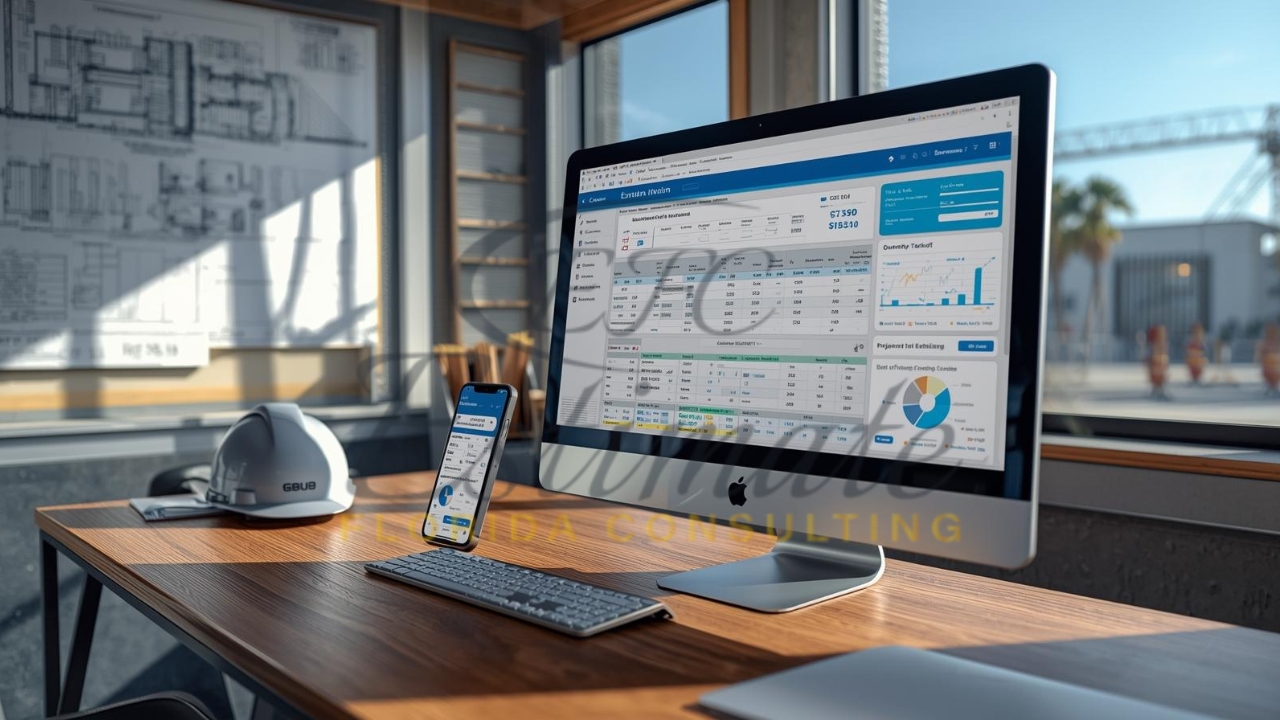
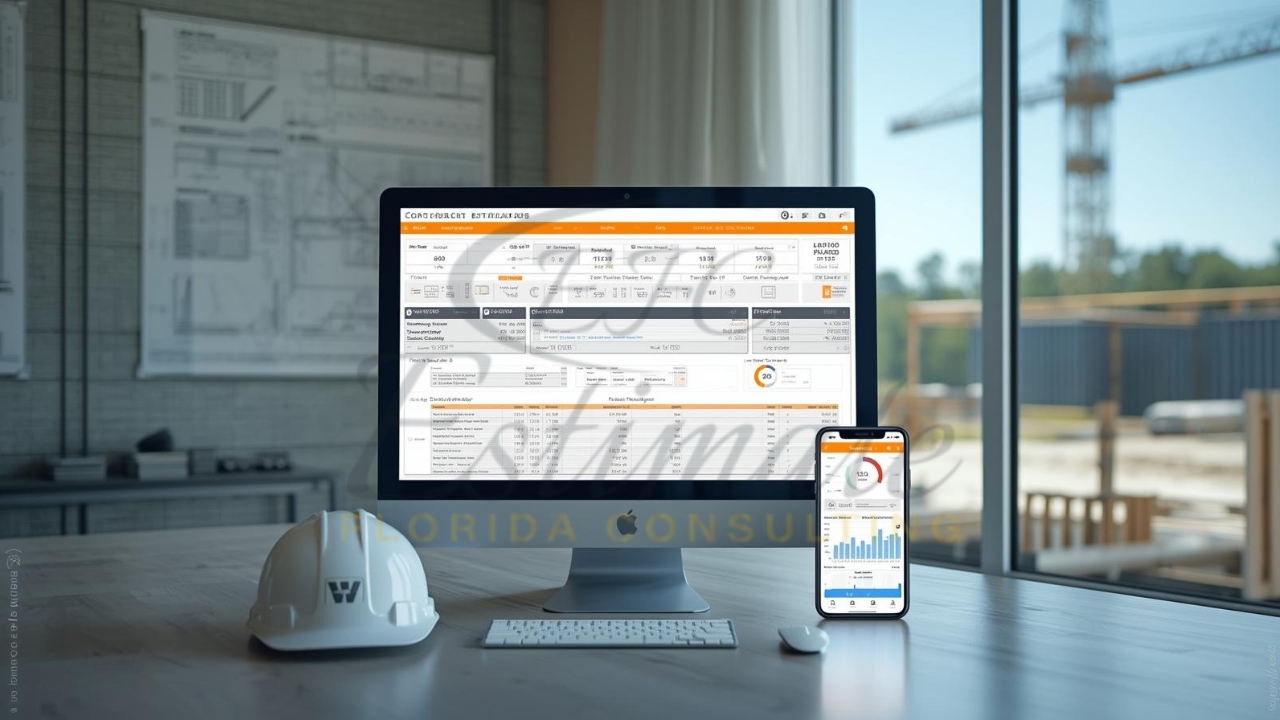
Mobile apps offer on-site flexibility for Florida contractors measuring jobs amid humid conditions and tight deadlines, while desktop software provides robust power for detailed quantity takeoffs back at the office. The best estimating tools blend both for seamless workflows, enabling accurate bids on painting, framing, or roofing projects. This comparison highlights top options tailored to Florida’s fast-paced construction scene.
Importance of On-Site Estimating
On-site estimating captures real-time data like surface conditions or site-specific adjustments, crucial in Florida where weather impacts material choices and labor rates. Mobile tools allow instant quantity takeoffs from plans or photos, reducing errors from memory lapses. Desktop apps handle complex calculations post-site visit, ensuring bids reflect full project scopes.
Key Differences: Mobile vs. Desktop
Mobile apps prioritize portability with touch interfaces for quick area measurements, syncing to cloud for team access. Desktop versions excel in precision with large screens for blueprint navigation and advanced databases. Hybrid cloud solutions bridge gaps, letting Florida contractors start on-site and finalize remotely.
Top Mobile Estimating Apps
Mobile apps shine for field use, supporting digital takeoff on tablets during walkthroughs.
Buildxact Mobile
Buildxact’s app enables point-and-click estimates from phones, with material libraries for Florida paints and labor. Contractors snap photos, auto-populate quantities, and send proposals instantly. Its offline mode suits remote sites in the Everglades.
Get High-Quality 3D Rendering Services Today!
Transform your space with stunning 3D Rendering that blends style, comfort, and functionality.
We Specialize in Both Residential and Commercial 3D Rendering Projects.
- Luxury Villas
- Apartment Complexes
- Home
- Condominium
- Office Buildings
- Shopping Malls
- Hospitals
- Hotels & Resorts
Jobber App
Jobber’s mobile platform generates painting estimates on-site, tracking linear footage and converting to invoices. GPS integration logs job locations for accurate bids, ideal for Tampa subcontractors. Users customize templates for local codes.
Handoff AI Estimator
Handoff uses AI for instant construction estimates via voice or text descriptions, perfect for quick Florida residential quotes. It outputs professional PDFs shareable from the phone, saving hours on manual inputs. Contractors verify outputs for precision.
PaintScout Mobile
PaintScout’s touch-first app automates surface area calculations from sketches, with client portals for follow-ups. Florida painters use it for exterior bids, factoring humidity adjustments seamlessly.
Fieldpulse
Fieldpulse supports on-site quantity takeoff with scheduling ties, capturing measurements via camera overlays. It integrates QuickBooks for real-time costing, boosting efficiency for mobile crews.
Top Desktop Estimating Software
Desktop tools dominate office-based takeoffs with unlimited screen real estate and deep integrations.
PlanSwift Desktop
PlanSwift’s drag-and-drop interface processes full blueprints rapidly, assembling costs for Florida commercial jobs. It exports to Excel for refinements, handling volumes and counts effortlessly.
On-Screen Takeoff
On-Screen Takeoff (OST) offers layered measurements on large monitors, ideal for detailed painting takeoffs. Windows-based power supports bid-day rushes with Quick Bid links.
Bluebeam Revu Desktop
Bluebeam Revu provides advanced PDF markups and linked summaries for accurate area calculations. Contractors manage revisions on desktops, collaborating via Studio for team bids.
STACK Desktop/Cloud Hybrid
STACK’s desktop client enables fast digital takeoffs with grouping, scalable for multi-page plans. It generates branded reports, suiting Florida estimators handling volume.
ProEst
ProEst’s desktop suite automates database-driven estimates, comparing subcontractor bids. It shines for complex scopes like hurricane-proof coatings.
Mobile vs. Desktop Comparison
Feature | Mobile Apps (e.g., Buildxact, Jobber) | Desktop Software (e.g., PlanSwift, OST) |
On-Site Accessibility | Full (offline sync) | Limited (remote desktop needed) |
Takeoff Speed | Quick for basics (minutes) | Faster for complex (seconds per item) |
Screen/Precision | Touch-limited | High-res for details |
Battery/Portability | Optimized, rugged devices | Power-intensive, stationary |
Integrations | QuickBooks, email | Full ERP, BIM |
Cost | $20-100/month | $1,000+ one-time or $50+/month |
Mobile wins for fieldwork; desktop for depth.
90% More Chances to Win Bids with
Our Estimate!
Speed for On-Site Florida Work
Mobile apps accelerate on-site decisions, like measuring walls during client walkthroughs in Miami heat. Desktop lags in the field but processes revisions 2-3x faster office-side. Cloud hybrids like STACK cut total time by 50% for end-to-end bids.
Accuracy in Humid Conditions
Florida’s moisture demands precise surface preparation estimates; mobile camera tools log conditions instantly, while desktops verify with scaled plans. Both reduce errors over paper, but desktops edge in formula complexity for waste factors.
Ease of Use On-Site
Tablets with mobile apps mimic pen-on-paper for intuitive use by field crews. Desktops require training but offer macros for repeats. Florida pros favor mobile for non-tech teams.
Integration and Collaboration
Mobile syncs to desktop seamlessly via cloud, like Buildxact to QuickBooks. Desktops integrate BIM for 5D modeling. Real-time sharing boosts team bids on coastal projects.
Cost Considerations
Mobile subscriptions start low ($29/month Jobber), scaling with users. Desktop one-time fees (PlanSwift ~$1,500) amortize over years. Factor training: mobile quicker ROI for solos.
Pros and Cons of Mobile Apps
Mobile empowers fieldwork but limits depth.
- Pros: Instant access, photo integration, client demos on-site.
- Cons: Smaller screens miss details, battery drain on long days.
Pros and Cons of Desktop Software
Desktops handle volume but tether users.
- Pros: Unlimited tools, precise scaling, batch processing.
- Cons: No field mobility, higher upfront costs.
Florida-Specific Needs
Hurricane zones require rapid takeoffs for reinforced bids; mobile aids site verifications, desktops model wind loads. Test offline capabilities for rural jobs.
Hybrid Solutions Rising
Tools like Buildxact or STACK offer mobile-desktop sync, best for Florida contractors balancing office planning and field tweaks. AI features in apps like Handoff predict costs from photos.
Choose Based on Workflow
Solo field techs pick mobile; estimators with office teams go desktop or hybrid. Trial periods reveal fits for painting takeoffs or full construction.
Want to Start Your Project with the Best Contractors?
Let’s Take Your Projects to the Next Level.
& What's you will get:
- Connecting You to Top Local Contractors
- Professional Consulting, Contractors Near You
- From Expert Advice to Local Contractor Connections
Contact Now
Let's discuss with a cup of coffee
Professional Estimating Services
Estimate Florida Consulting helps contractors win more projects with expert takeoff services. Years of experience ensure 1-2 day turnarounds—upload plans to
or call 561-530-2845 to bid confidently.
Frequently Asked Question
Both serve different purposes. Mobile estimating apps are best for on-site measurements, quick takeoffs, and client walkthroughs, while desktop estimating software delivers higher accuracy for complex quantity takeoffs, multi-trade estimates, and large commercial projects. Most Florida contractors benefit from a hybrid workflow using both.
Florida’s humid climate, coastal exposure, and strict building codes require real-time adjustments. On-site estimating helps capture surface conditions, moisture damage, access issues, and scope changes instantly—reducing missed items and costly change orders.
Yes. Many mobile apps offer offline modes, allowing contractors to measure, photograph, and record quantities in remote areas or poor signal zones. Data syncs automatically once an internet connection is restored, which is crucial for rural or coastal Florida projects.
Desktop apps are generally more precise for detailed takeoffs, large plan sets, and complex formulas such as waste factors, production rates, and assemblies. Larger screens, mouse controls, and advanced databases make desktops ideal for final bid preparation.
Popular mobile-friendly options include Buildxact, Jobber, Handoff, and PaintScout. These tools allow fast measurements, photo-based takeoffs, and instant proposal generation during site visits.
Comprehensive Trade-Specific Estimates
At Estimate Florida Consulting, we offer detailed cost estimates across all major trades, ensuring no part of your project is overlooked. From the foundation to the finishing touches, our trade-specific estimates provide you with a complete and accurate breakdown of costs for any type of construction project.
Our Clients & Partners
We pride ourselves on building strong, lasting relationships with our clients and partners across the construction industry.
What Our Clients Say?
We take pride in delivering accurate, timely, and reliable estimates that help contractors and builders win more projects. Our clients consistently praise our attention to detail, fast turnaround times, and the positive impact our estimates have on their businesses.
Estimate Florida Consulting has helped us win more bids with their fast and accurate estimates. We trust them for every project!

Our Simple Process to Get Your Estimate
Upload Plans
Submit your project plans, blueprints, or relevant documents through our online form or via email.
Receive Quotation
We’ll review your project details and send you a quote based on your scope and requirements.
Confirmation
Confirm the details and finalize any adjustments to ensure the estimate meets your project needs.
Get Estimate
Receive your detailed, trade-specific estimate within 1-2 business days, ready for your project execution.