


















- Homepage
- On-Screen Takeoff vs Bluebeam Revu
On-Screen Takeoff vs Bluebeam Revu: Faster Quantity Takeoff for Contractors?
Leading provider of estimating services.
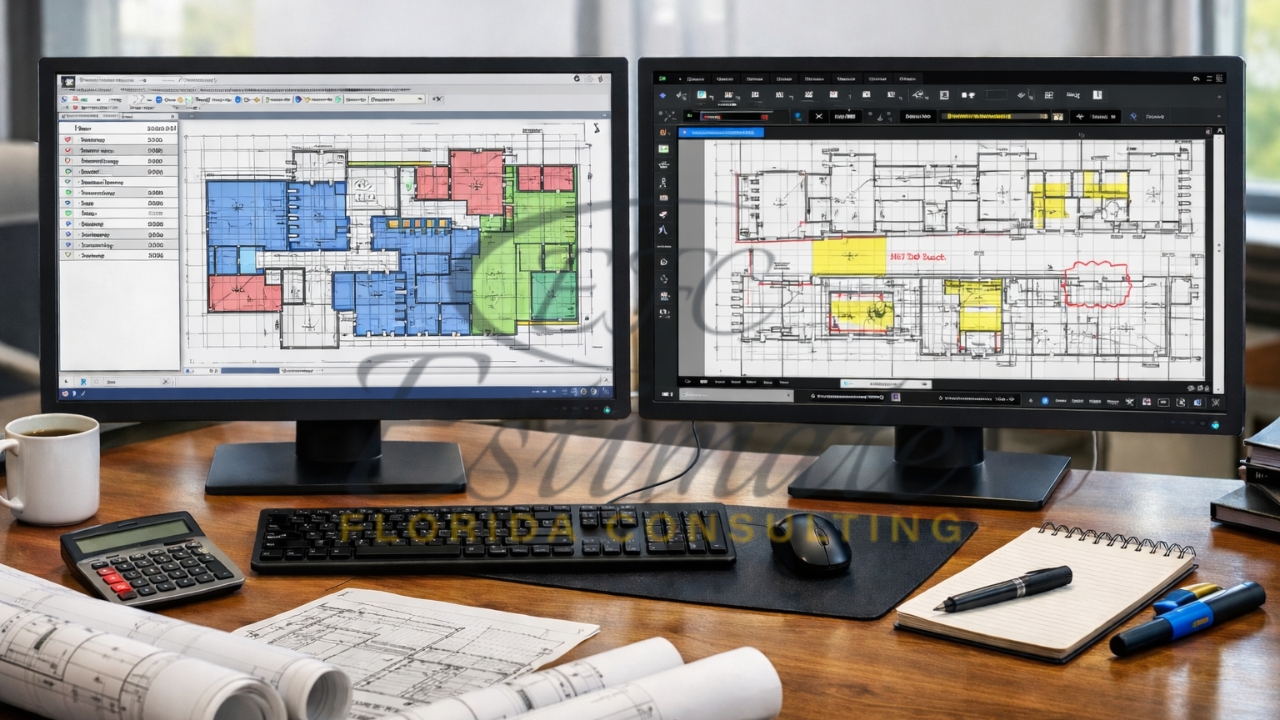
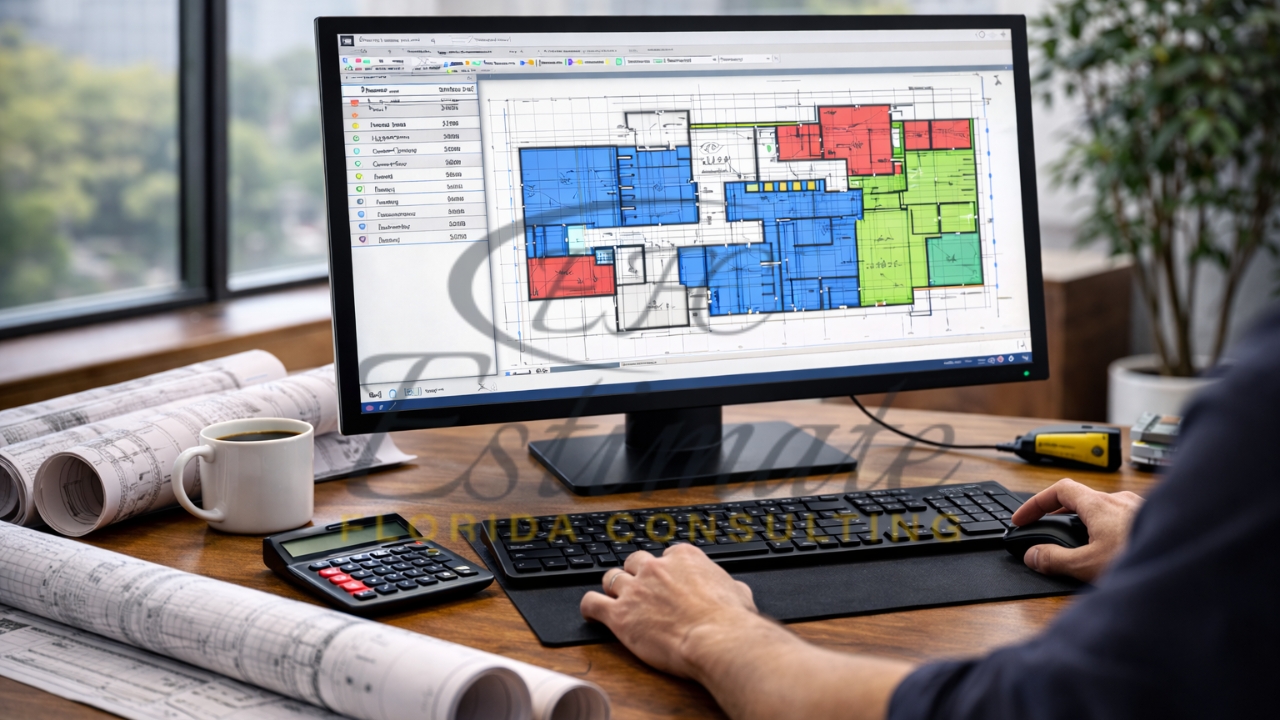
On-Screen Takeoff and Bluebeam Revu both streamline quantity takeoff processes for contractors, but they differ in speed, specialization, and versatility for tasks like measuring walls, counting fixtures, and generating bid-ready reports. Florida contractors benefit from tools that handle humid-climate plans quickly, reducing errors in material estimates to win more bids. This comparison reveals which delivers faster workflows for construction estimating needs.
Understanding Quantity Takeoff
Quantity takeoff extracts precise measurements from digital plans, such as square footage for drywall or linear feet for trim, forming the basis for accurate cost estimates. Contractors rely on these calculations to avoid underbidding or overpricing, especially in competitive Florida markets with strict codes. Software automates this from PDFs, cutting manual errors and enabling rapid revisions for change orders.
Overview of On-Screen Takeoff
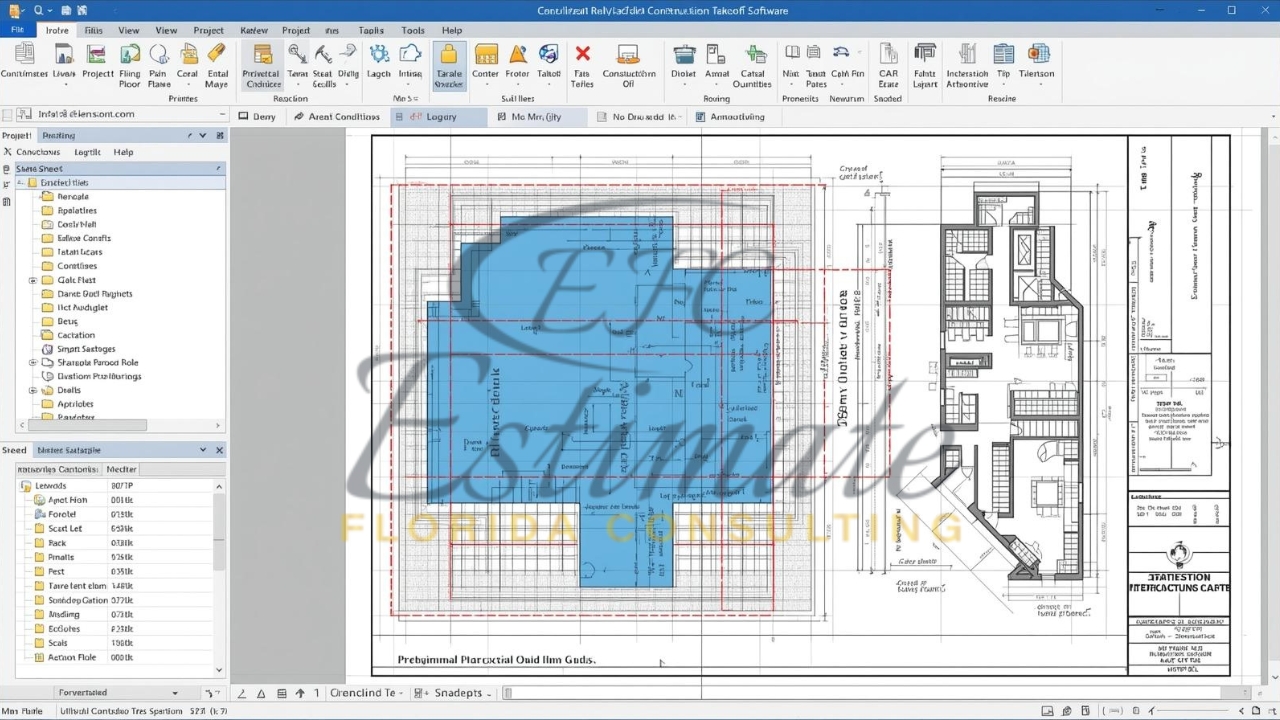
On-Screen Takeoff (OST) specializes in construction-specific digital takeoffs, allowing point-and-click measurements on blueprints for instant quantity results. Users drag to mark areas, with automatic calculations for multiple conditions like walls or doors simultaneously. Its intuitive design suits estimators handling repetitive tasks, exporting data to Excel or bidding tools seamlessly.
Overview of Bluebeam Revu
Bluebeam Revu functions as a PDF editor with robust markup and measurement tools, supporting custom profiles for quantity takeoffs like area, volume, and counts. Teams collaborate in real-time via Studio Sessions, ideal for reviewing markups across projects. Beyond takeoffs, it handles document management, making it a multi-tool for architects and contractors.
Get High-Quality 3D Rendering Services Today!
Transform your space with stunning 3D Rendering that blends style, comfort, and functionality.
We Specialize in Both Residential and Commercial 3D Rendering Projects.
- Luxury Villas
- Apartment Complexes
- Home
- Condominium
- Office Buildings
- Shopping Malls
- Hospitals
- Hotels & Resorts
Key Features Comparison
Both tools process electronic plans, but OST emphasizes takeoff efficiency while Bluebeam adds collaboration depth.
Feature | On-Screen Takeoff | Bluebeam Revu |
Takeoff Tools | Multi-condition, typical areas/groups, auto-count | Custom profiles, area/volume/depth, cutouts |
Speed for Basic Tasks | Extremely fast (seconds per takeoff) | Quick with templates, but more setup |
Collaboration | Basic sharing/export | Real-time Studio Sessions, cloud storage |
File Support | PDFs, CAD, scans | PDFs primary, broad markup integration |
Export Options | Excel, Quick Bid | Excel-linked, dynamic summaries |
Learning Curve | Low for takeoff pros | Moderate, versatile tools |
OST leads in pure takeoff speed, while Bluebeam excels in integrated workflows.
Speed: Which is Faster?
On-Screen Takeoff delivers faster quantity takeoffs for straightforward measurements, with users reporting single-afternoon training and rapid outputs for bids. Its drag-and-drop simplicity shines on repetitive Florida residential plans, processing changes pre-bid day without rework. Bluebeam Revu matches speed via custom profiles and automation but requires initial setup, slowing complex multi-user reviews.
Accuracy and Error Reduction
OST’s layered takeoffs and zones minimize overlaps, ensuring precise counts for items like electrical outlets or roofing squares. Bluebeam’s measurement verification and symbol search enhance accuracy on detailed commercial drawings, with dynamic updates linking to spreadsheets. Both reduce human error over manual methods, but OST’s trade-specific logic edges out for construction estimators.
Ease of Use for Contractors
Contractors praise OST’s natural workflow mimicking manual takeoff, ideal for field teams on tablets. Bluebeam’s customizable interface suits diverse roles, from markup to quantity linking, though its broader scope demands more navigation. Florida pros starting with OST train quicker for daily bids.
Integration Capabilities
OST pairs with Quick Bid for end-to-end estimating, exporting directly to Excel for cost databases. Bluebeam integrates with project management via Studio Projects, syncing takeoffs to tools like Procore. For Florida contractors using QuickBooks, OST’s simplicity wins, while Bluebeam fits collaborative firms.
Cost and Pricing Models
On-Screen Takeoff offers subscription tiers from basic takeoff to full suites, with 14-day trials scaling by team size. Bluebeam Revu provides no-setup-fee plans, emphasizing perpetual licenses or subscriptions for AEC users. Initial OST costs suit solo estimators; Bluebeam justifies higher fees through versatility.
Pros and Cons of On-Screen Takeoff
OST streamlines core takeoff needs but lacks broad document tools.
- Pros: Lightning-fast for 2D quantities, easy learning, robust for trades like painting or framing.
- Cons: Limited collaboration, Windows-only, less flexible for non-takeoff tasks.
90% More Chances to Win Bids with
Our Estimate!
Pros and Cons of Bluebeam Revu
Bluebeam handles full workflows but may overcomplicate simple takeoffs.
- Pros: Superior collaboration, custom measurements, replaces Adobe for PDFs.
- Cons: Steeper curve for takeoff-only users, not as specialized for quantities.
Florida Contractor Considerations
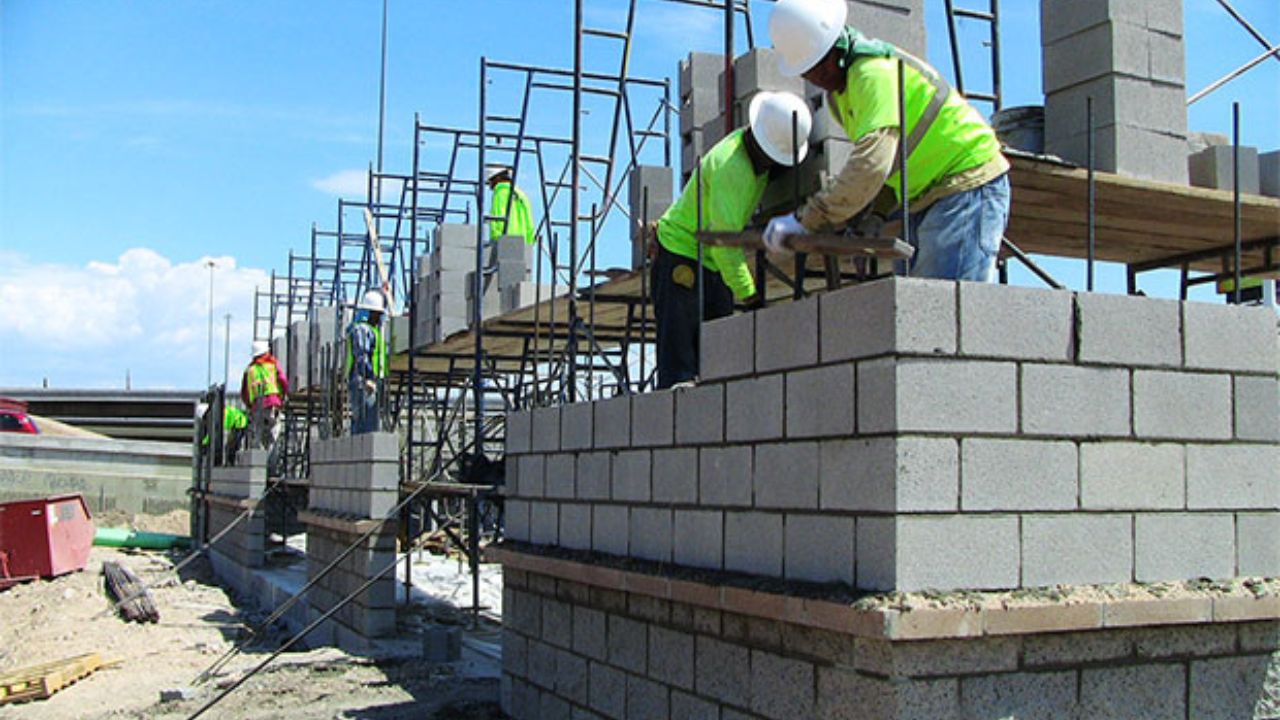
Florida’s hurricane codes demand quick takeoffs accounting for reinforced surfaces and moisture barriers. OST processes local plans rapidly for tight bid deadlines, while Bluebeam aids multi-stakeholder reviews on coastal projects. Both support mobile access, but test for PDF-heavy municipal files.
When to Choose On-Screen Takeoff
Select OST for speed-focused solo or small teams prioritizing quantity accuracy in bids. It’s optimal for Florida subcontractors like painters needing daily takeoffs without extras.
When to Choose Bluebeam Revu
Opt for Bluebeam when collaboration trumps raw speed, suiting general contractors managing revisions across offices. Its profiles accelerate repeat Florida jobs post-setup.
Outsource for Maximum Efficiency
Estimate Florida Consulting provides professional quantity takeoff services to help contractors win more projects. With years of experience, estimators deliver accurate results in 1-2 working days—upload plans to
or call 561-530-2845 to bid smarter.
Want to Start Your Project with the Best Contractors?
Let’s Take Your Projects to the Next Level.
& What's you will get:
- Connecting You to Top Local Contractors
- Professional Consulting, Contractors Near You
- From Expert Advice to Local Contractor Connections
Contact Now
Let's discuss with a cup of coffee
Frequently Asked Question
On-Screen Takeoff is generally faster for pure quantity takeoff tasks like area measurements, linear footage, and item counts due to its trade-specific, point-and-click workflow. Bluebeam Revu can achieve similar speeds, but usually requires initial setup with custom profiles and templates.
Yes. On-Screen Takeoff is ideal for subcontractors such as painters, drywall installers, framers, and flooring contractors who need fast, repetitive takeoffs without advanced document management features.
Bluebeam Revu provides highly accurate measurement tools including area, volume, depth, and count markups. While accurate, it lacks built-in trade logic, making it slightly less efficient for large-scale, repetitive construction takeoffs compared to On-Screen Takeoff.
On-Screen Takeoff has a lower learning curve and can often be mastered in a single afternoon. Bluebeam Revu has a moderate learning curve due to its broader functionality covering markups, document control, and collaboration.
Yes. On-Screen Takeoff exports cleanly to Excel and integrates seamlessly with Quick Bid. Bluebeam Revu also links measurements to Excel through dynamic summaries and can integrate with project management platforms like Procore.
Comprehensive Trade-Specific Estimates
At Estimate Florida Consulting, we offer detailed cost estimates across all major trades, ensuring no part of your project is overlooked. From the foundation to the finishing touches, our trade-specific estimates provide you with a complete and accurate breakdown of costs for any type of construction project.
Our Clients & Partners
We pride ourselves on building strong, lasting relationships with our clients and partners across the construction industry.
What Our Clients Say?
We take pride in delivering accurate, timely, and reliable estimates that help contractors and builders win more projects. Our clients consistently praise our attention to detail, fast turnaround times, and the positive impact our estimates have on their businesses.
Estimate Florida Consulting has helped us win more bids with their fast and accurate estimates. We trust them for every project!

Our Simple Process to Get Your Estimate
Upload Plans
Submit your project plans, blueprints, or relevant documents through our online form or via email.
Receive Quotation
We’ll review your project details and send you a quote based on your scope and requirements.
Confirmation
Confirm the details and finalize any adjustments to ensure the estimate meets your project needs.
Get Estimate
Receive your detailed, trade-specific estimate within 1-2 business days, ready for your project execution.